Replacing the piezoelectric element on a BL7000
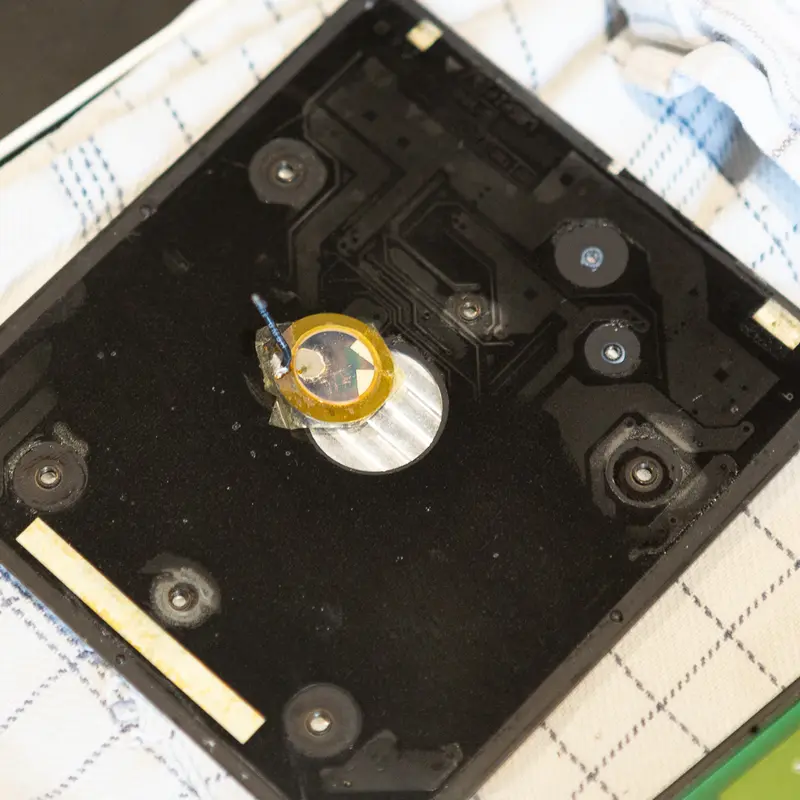
An excellent feature of the BeoLink 7000 is that tapping the top plate (#9001) awakens the device.
It's essential to note that, although this feature is generally reliable, it may fail in certain instances due to the natural degradation of the piezoelectric element over time. This was also the case here, as you can see below.
Luckily, it was possible to find a replacement for the piezoelectric element with the exact specifications of the original. It is somewhat easy to replace; to do so, you'll have to open the bottom to access PCB1, desolder the defective piezoelectric element and remove two screws (below C13 and next to P5) as seen below.
You'll then have to pry PCB1 from the top plate. It is glued together, but it is possible. Please don't bend the top plate too much, as this can damage it.
Solder the new piezoelectric element in place, add new adhesive to the top plate and align it correctly before reassembling the BeoLink.
Related PCB
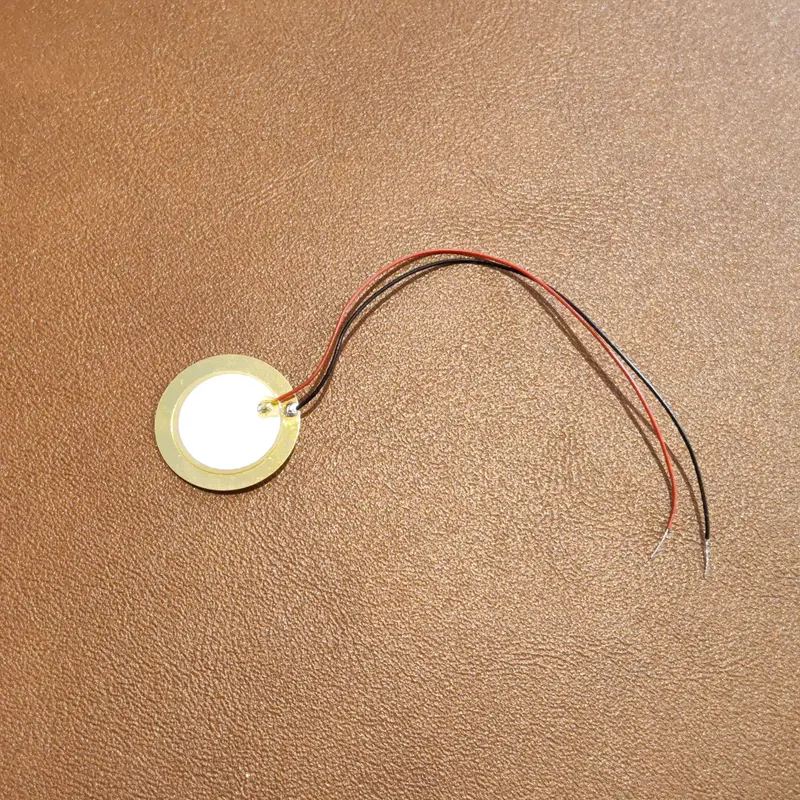
Piezoelectric Element