BeoLink 7000
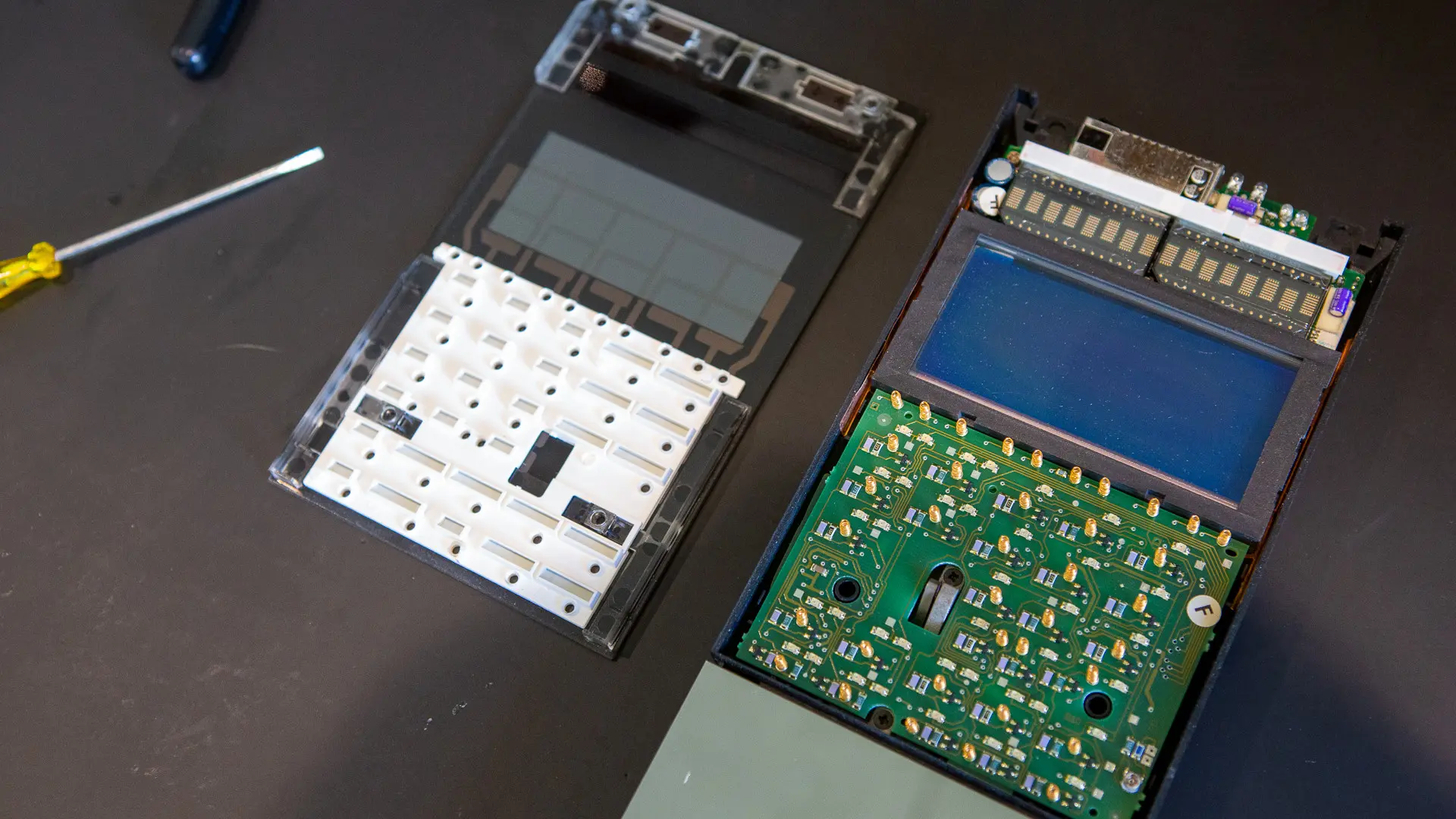
The BeoLink 7000 remote and its chargers age in predictable ways: the backlight fades, the batteries die, the glass front comes loose and the top plate gets scratched. All of it can be repaired.
Common issues
- 01Faded or failing backlight
- 02Failing two way communication
- 03Dead main and CMOS batteries
- 04Failed piezo element
- 05Glass front coming loose
- 06Scratched or dented top plate (#9001)
- 07Chargers that no longer charge
Repairs and parts
What I do when I restore a BeoLink 7000. Where I designed a part for the job, its photos, files and guide are on the same page.
Backlight
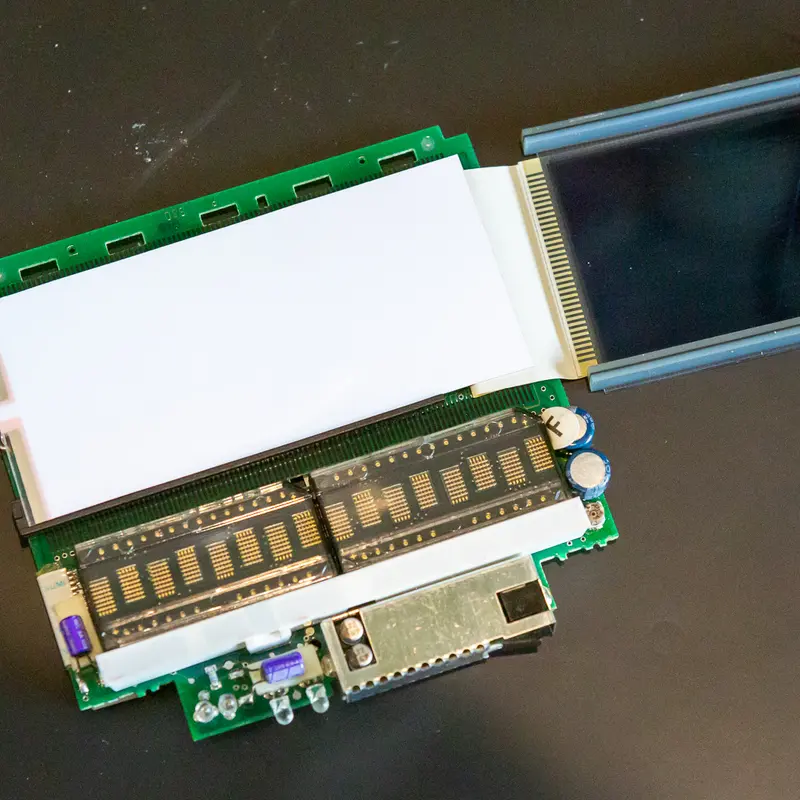
A weak or dead backlight is the most common fault on the BeoLink 7000. The EL foil behind the display wears out, and I replace it with a new one.
Replacing the batteries in the BeoLink 7000
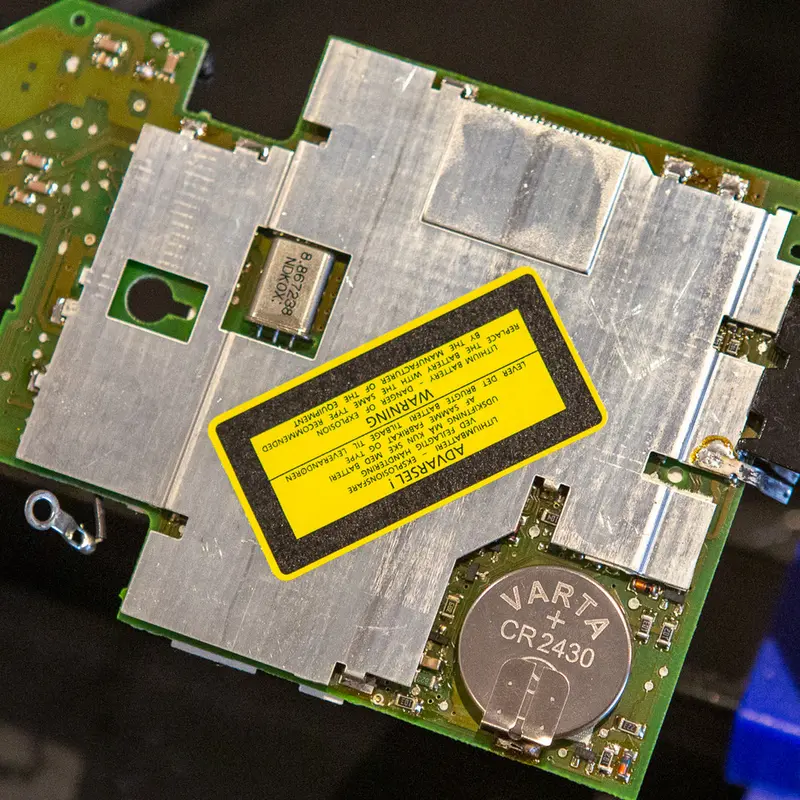
The BeoLink 7000 has two batteries, the main battery and a lithium coin cell that keeps its settings. Both are long past their life, so I replace both.
Cleaning and lubricating the BeoLink 7000
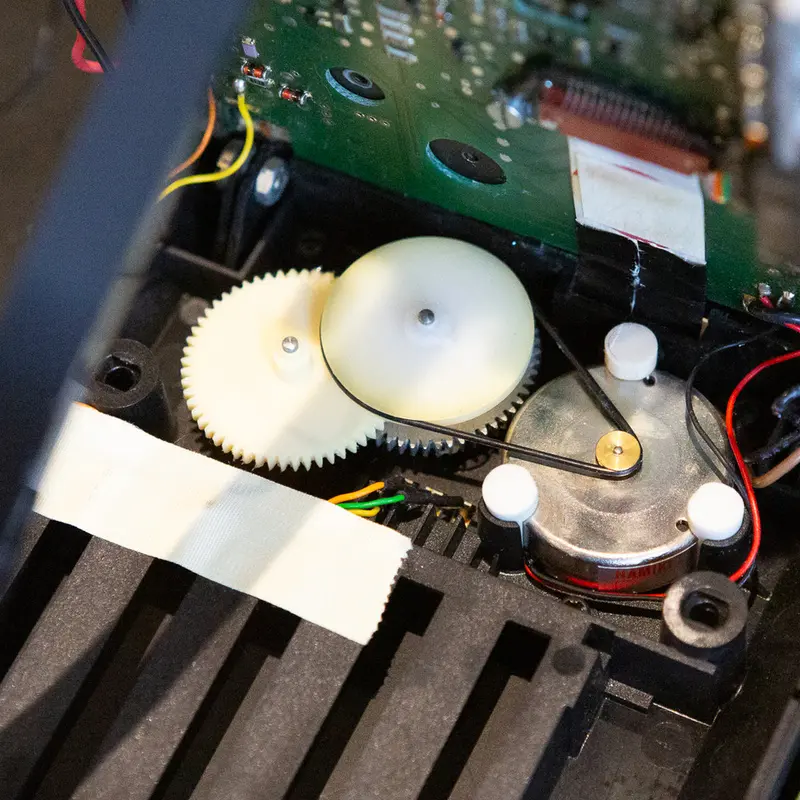
The display lift in the BeoLink 7000 runs on a small belt, gears and a guide rail. I clean and relubricate the mechanism, fit a new belt and replace the capacitors and fuse on PCB01.
Testing the BeoLink 7000
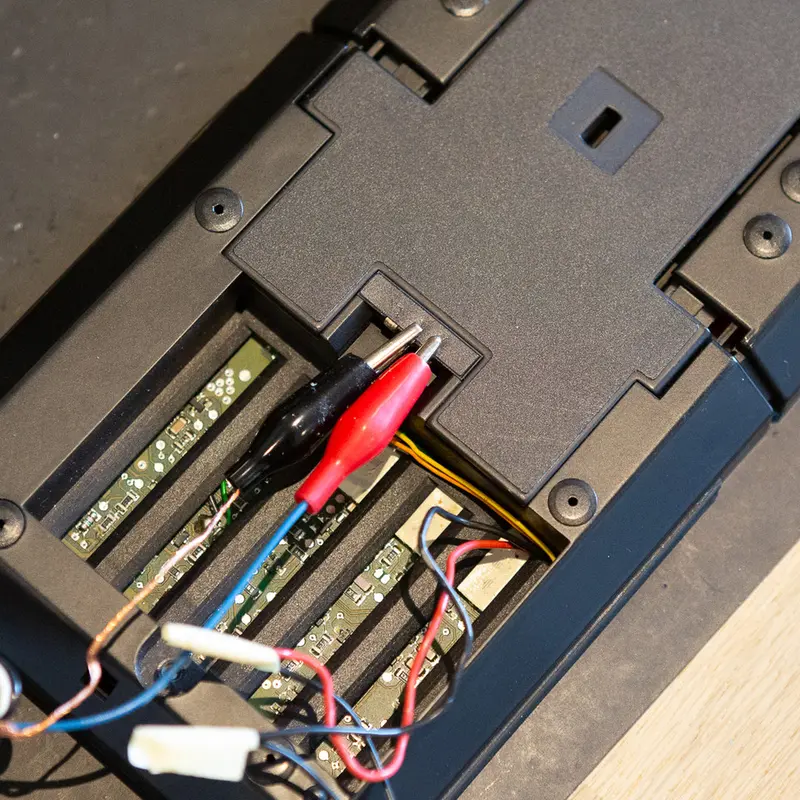
The BeoLink 7000 has a built in test program. I use it at the end of a restoration to check the keys, the display and the memory.
Stainless steel top plate
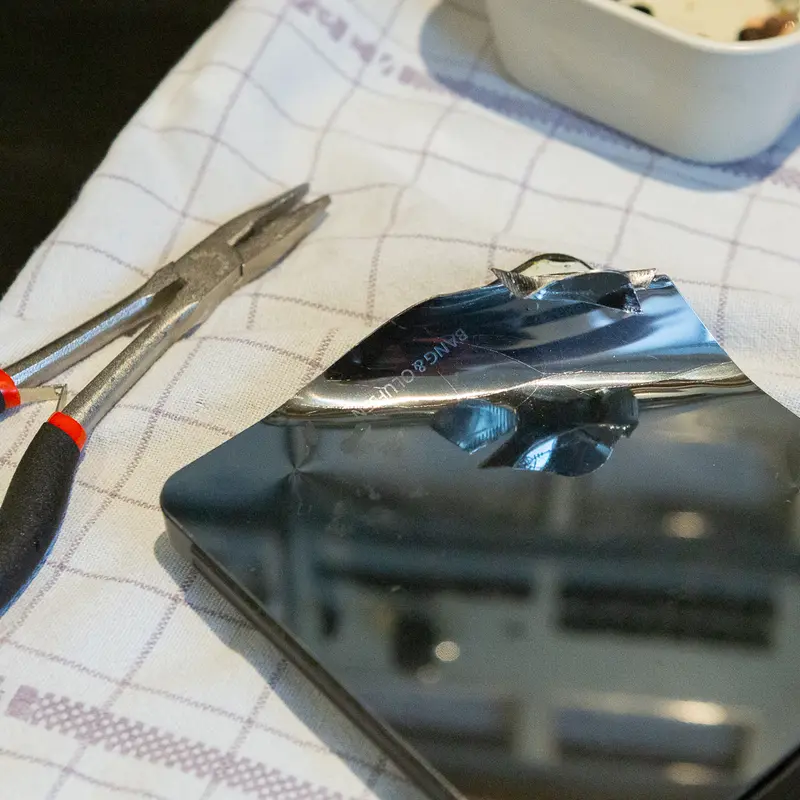
The top plate on the BeoLink 7000 is almost always scratched or dented. I replace it with a new plate in mirror polished stainless steel.
Regluing the glass front on the BeoLink 7000
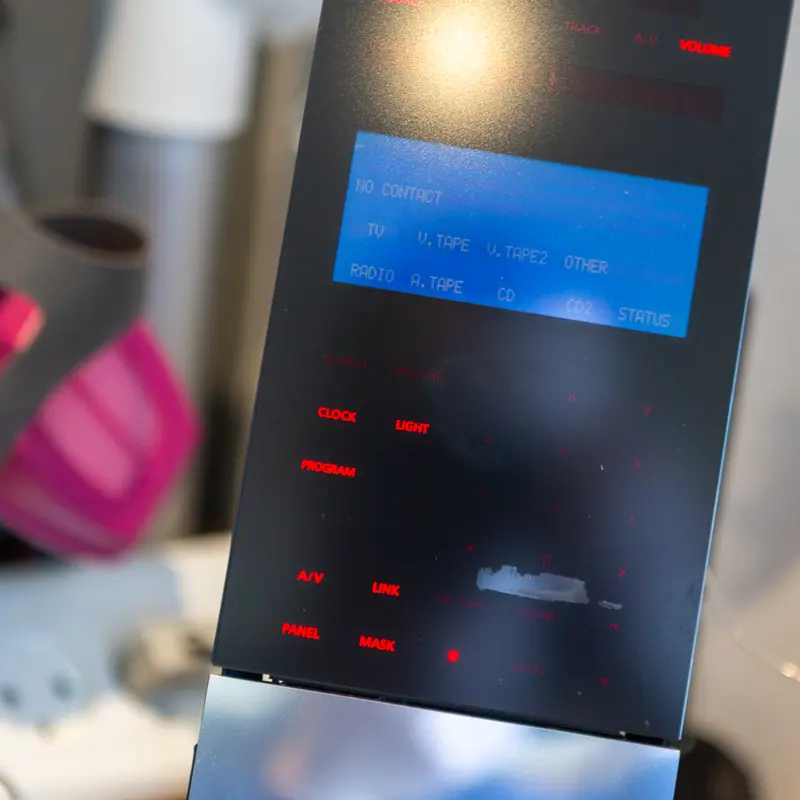
Now and then the adhesive between the glass front and its plastic frame starts to let go on a BeoLink 7000. As long as it hasn't come off completely, a syringe of thin superglue fixes it.
Piezo element
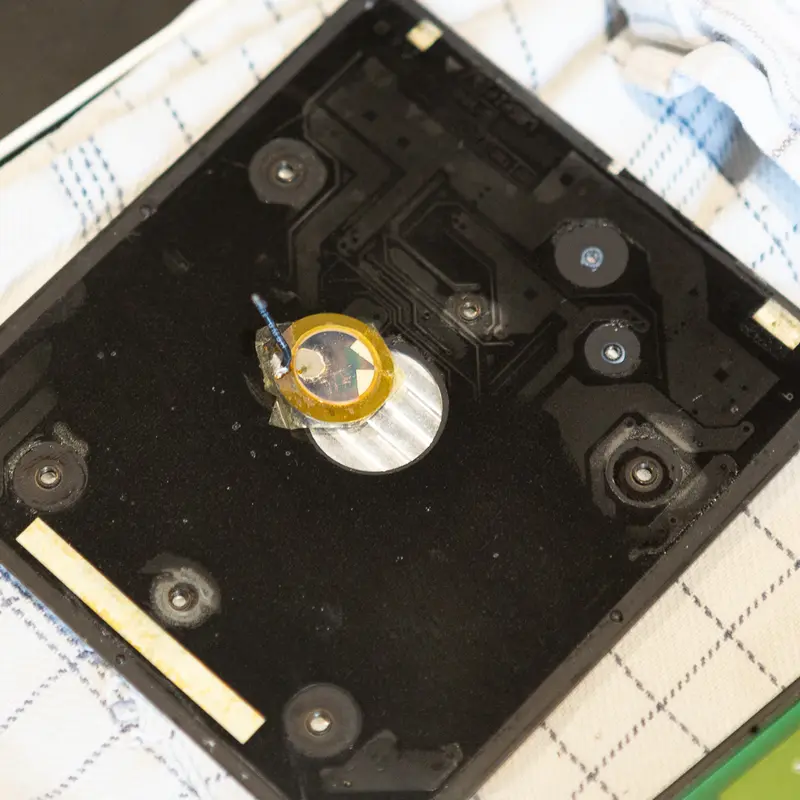
Tapping the top plate wakes the BeoLink 7000, thanks to a small piezo element underneath. When that stops working, the piezo has usually failed with age, and I replace it.
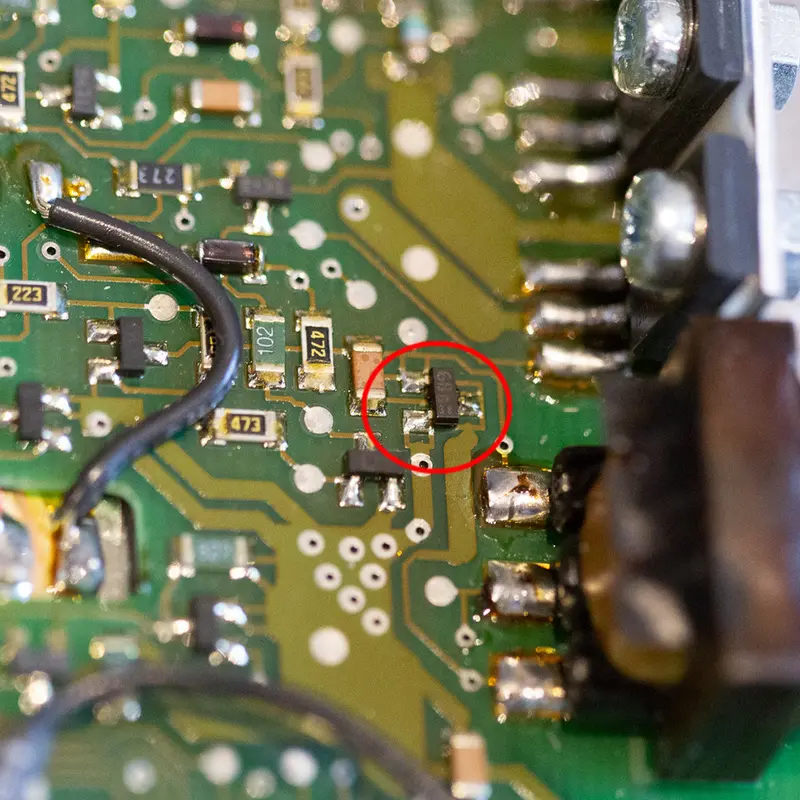
When a new backlight foil doesn't fix a BeoLink 7000
A BeoLink 7000 still had no backlight after I fitted a new EL foil. The cause turned out to be a failed transistor in the backlight oscillator.
More parts
Contribute on GitHubParts without a guide. Download the files and build or print your own.
Want your BeoLink 7000 restored?
I offer full restorations, from recapping and calibration to custom replacement parts when the originals are gone.